
→

→

Tutorial: Raw Data to XMind to SmartArt
Transform tabular data into mind maps
2
Use ChatGPT
Transform data with intelligent prompts
3
Convert to Markdown
Format data as hierarchical markdown
Steps
1 Import Raw Data
2 Use ChatGPT
3 Convert to Markdown
4 Import to XMind
5 Finalize in SmartArt
XMind Visualization
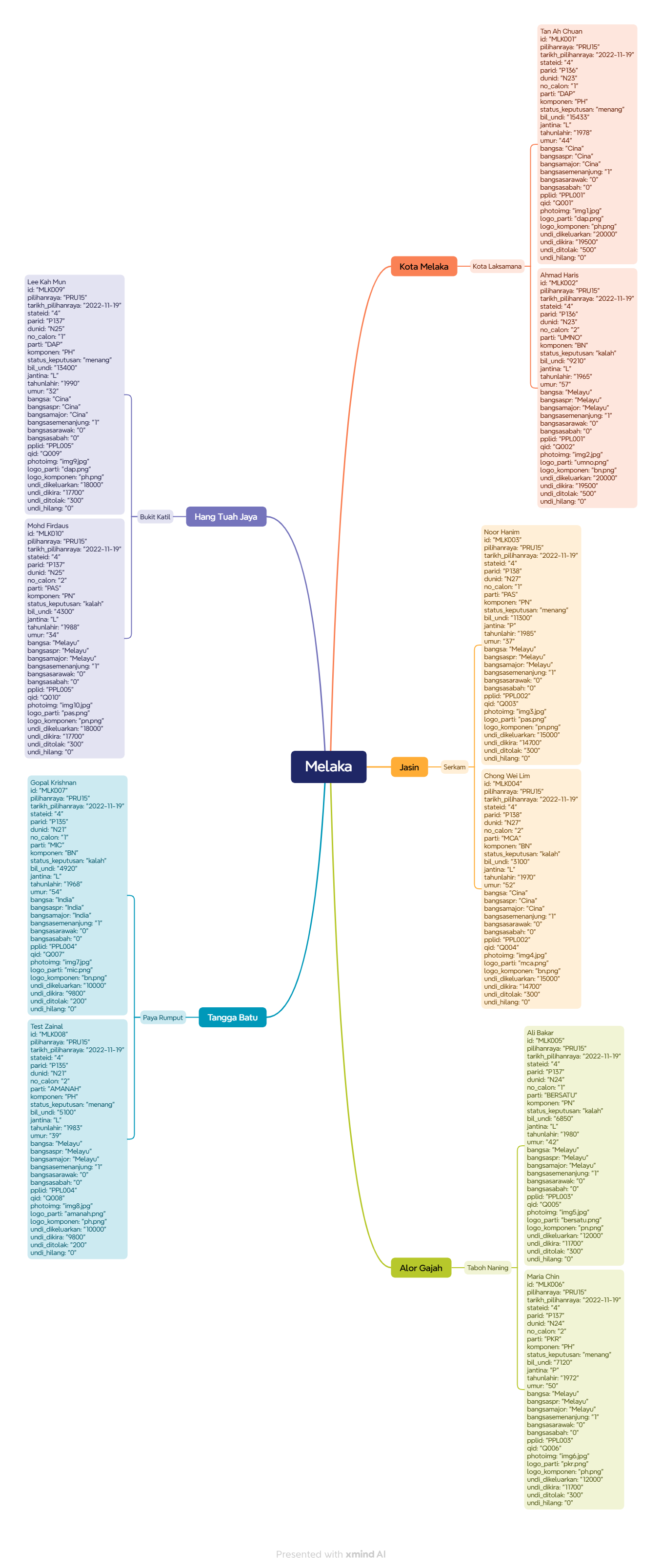
SmartArt Conversion
Download the final SmartArt PPTX file for your presentations.
Download SmartArt PPTXVideo Tutorial
Watch a step-by-step video tutorial of the entire process.
Watch Video